What's My 20?
Built for patrol

Know your 20.
Every call.

Nearest address, hundred block, cross streets and highway mile markers the moment dispatch asks, read out loud with one tap. On your iPhone, Apple Watch and CarPlay.

Download on the App Store Free · iPhone, Apple Watch, CarPlay
What's My 20? on a phone mounted on a patrol car dashboard

Your location, the way you'd call it on the radio

No unlocking a map, no pinching, no guessing at street signs at 65 mph.

Nearest address

The closest street address and the hundred block ("the 2500 block of NW 66th"), updated as you drive.

Cross streets

Which streets you're between, so you can give a clean location even mid-block.

Highway mile markers

On the interstate it shows the highway, direction and mile marker, like "I-40 WB · MM 143".

Read out loud

Tap Speak, or double-tap anywhere, and it reads your 20 with radio-style numbers. Eyes stay up.

Heading and speed

Direction of travel (Westbound, Northbound) and speed, plus GPS coordinates and accuracy.

No account

No sign-in and no servers of ours. Your location stays on your device.

The main screen: map, Westbound at 26 mph, nearest address 2506 NW 66th St The Lock Screen showing the current address, heading, speed and a Speak button

On the dash and on the Lock Screen

Open it once and your 20 stays in view.

  • A live map with the nearest address and hundred block
  • Your 20 on the Lock Screen and in the Dynamic Island, with a Speak button PRO
  • Directions to an address or place, with the next turn at the top of the screen
  • Works from the Action Button and Siri
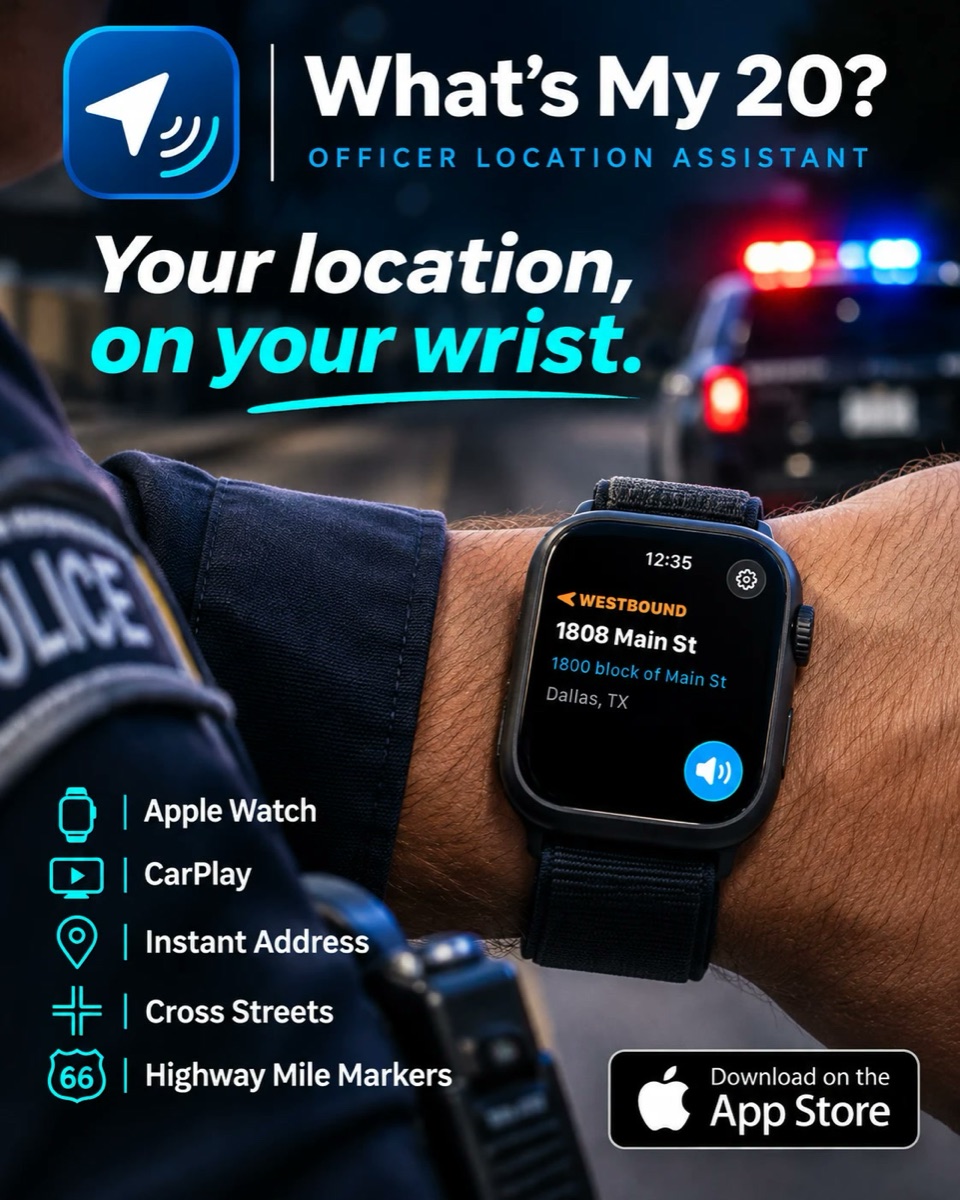
What's My 20? on an Apple Watch during a foot pursuit

On foot? It's on your wrist.

Dispatch asks for your 20 and your phone is in the car. One glance at your Apple Watch: address, hundred block and direction of travel. Tap once and it reads it out loud.

  • Address and heading at a glance
  • A speak button right on the watch
  • Comes with the iPhone app, nothing extra to buy
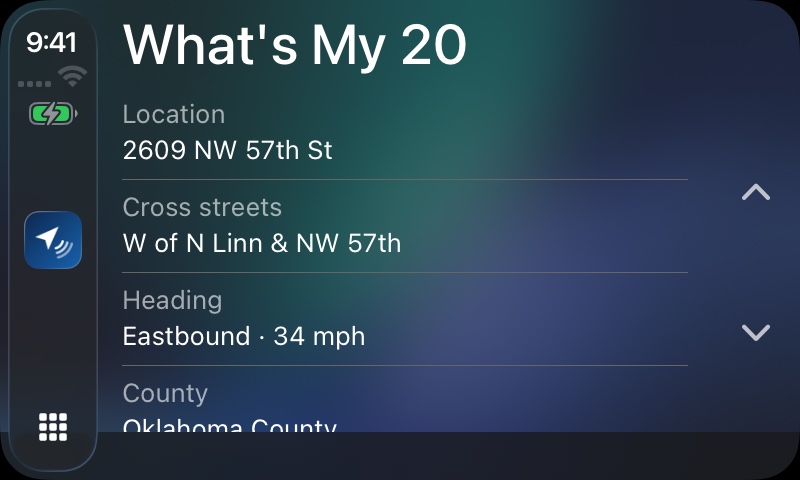
What's My 20? on CarPlay showing location, cross streets, heading and county

Right on CarPlay

Your location, cross streets, heading and county on the car's screen. Tap the address to hear it.

Free to download

One purchase unlocks everything. No subscription, ever.

Free

$0
  • Address, hundred block, cross streets
  • Heading, speed and coordinates
  • Apple Watch and CarPlay
  • Shows ads

Pro

One-time in-app purchase
  • Speak your location everywhere
  • Lock Screen and Dynamic Island
  • Choose the voice and what's read
  • No ads
What's My 20? app icon

Know your 20. Every call.

Free on the App Store for iPhone, with Apple Watch and CarPlay.

Download on the App Store